 iDisplay
Mac
iDisplay 6.3 preview for macOS 26 or later.
Download Mac previewUSE THE DEVICE YOU ALREADY OWN
Use your iPad, iPhone or Android as an extra monitor for your Mac or PC.
More screen. Less switching.
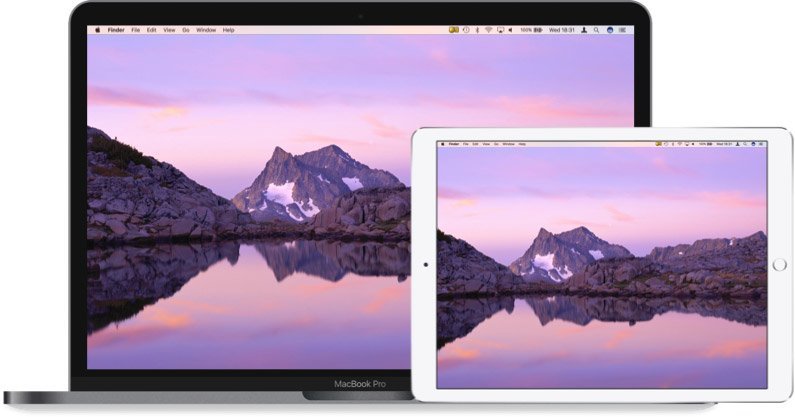
ONE DESKTOP. TWO SCREENS.
GET CONNECTED
Install the desktop app on your computer.
Open the mobile app on your second screen.
iDisplay 6.3 preview for macOS 26 or later.
Download Mac previewiDisplay Desktop 3.1.2.
Download for WindowsThe new Mac preview needs the matching iDisplay 6.3 app for iPhone or iPad.
Check availabilityMac preview: requires the matching iDisplay 6.3 receiver on iOS/iPadOS 27 or later, which is not yet publicly available on the App Store. Its iDisplay Pro subscription includes the Mac companion. Extended desktop is experimental; performance varies. View requirements · SHA-256 checksum
Download the legacy Mac installer. This is the original release for older iDisplay mobile apps; current macOS compatibility is not confirmed.
Download iDisplay Desktop 2.5.0.14. This is a legacy installer, not a current release. The previously linked XP / Vista / Windows 7 installer is unavailable; contact support for help.
MORE SCREEN SPACE
Your work on one screen. Everything else on the other.
Frame rate depends on your devices and connection. Stable 60 fps has not been verified for the new Mac preview.
Use your touchscreen to control your Mac or Windows workspace.
Adjust resolution to balance sharpness and speed.
04 — YOUR WORK, SIDE BY SIDE
Keep your notes, tools and references beside your work.
Display modesCONNECT YOUR DEVICES
Connect over Wi-Fi. Use USB with supported iOS and Mac setups.
Android and Windows connections use Wi-Fi. See the FAQ for platform-specific setup guidance.
Setup guideMULTIPLE DISPLAYS
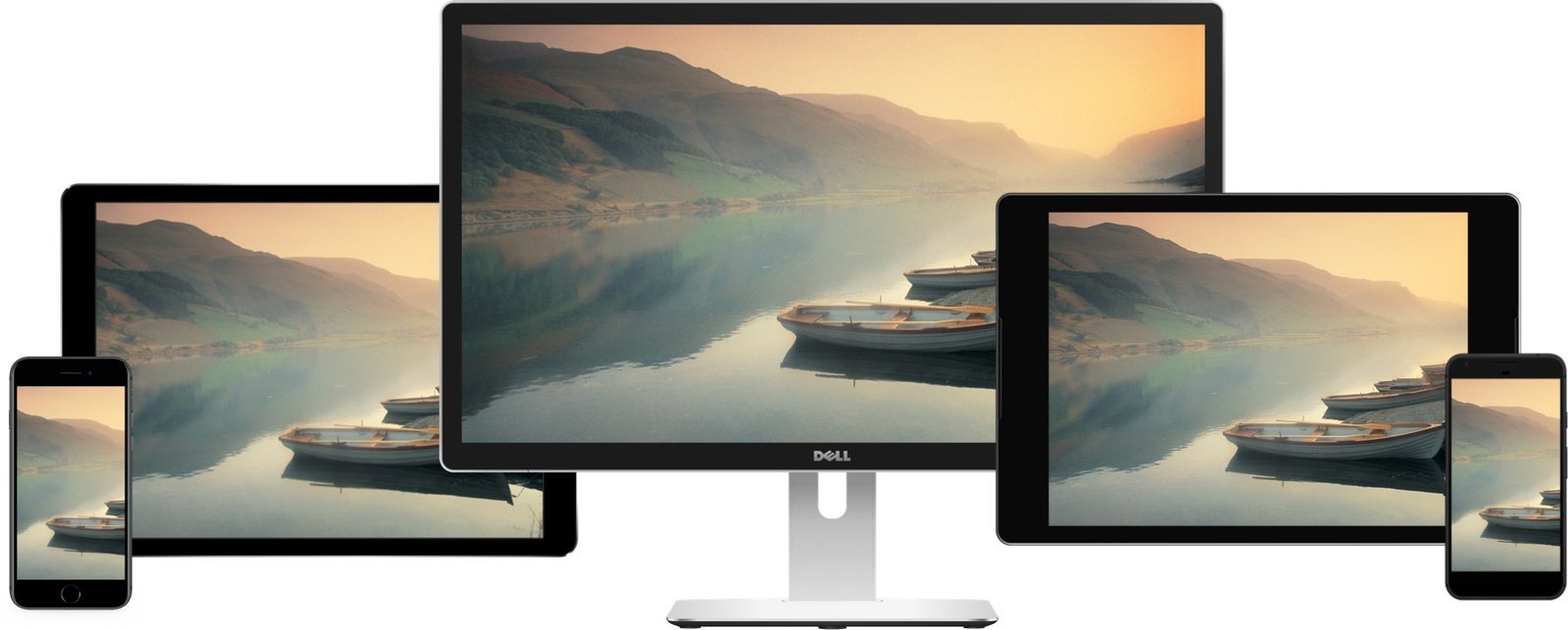
Mirror your Mac on multiple iPads and Android tablets.
 Watch iDisplayWatch the product video
ACCESSORIES
Stands and mounts for your second screen.
BEFORE YOU DOWNLOAD
The Mac 6.3 preview and legacy releases have different requirements.
Use matching desktop and mobile versions.
Mac 6.3 preview: macOS 26 or later.
Universal app for Apple silicon and eligible Intel Macs. Tested on an M4 MacBook Pro. Extended desktop is experimental.Windows 8.1-era desktop installer.
Confirm support for your Windows version before installation.New receiver: iOS/iPadOS 27 or later.
Version 6.3 is not yet public. iDisplay Pro is required. USB-C needs a USB-C device and data cable; Lightning devices use Wi-Fi. iPhone Duo layouts require iOS 27.1.Android 4.0 was the published minimum.
The Google Play listing is currently unavailable.FOR TEAMS & SCHOOLS
Contact us about iDisplay for your company, product or classroom.
PRESS ARCHIVE
“And you go ‘Oh man! Yes!’”
“That’s brilliant. I mean, I can think of about a billion uses for this.”
“Top iPad app to have.”